Task and Note Connection
This explain the connection between tasks and notes on Saner.AI
Written By Saner.AI
Last updated 9 months ago
Saner.AI is built around a simple principle: notes are the main unit of information, context, and time.
Instead of separating notes, tasks, and calendars into different tools, Saner.AI brings them together under a single structure anchored by the note. This makes it easier to see what you were thinking, what you planned, and what you did - all in one place.
Tasks Are Added to Daily Notes by Default
When you create a new task without choosing a specific note, Saner.AI automatically places it in the daily note for the current date.
This ensures every task:
Has a clear time reference
Can live alongside related thoughts, context, and notes (if needed)
Notes
You can move a task to a different note at any time by copying and pasting the task into another note.
You can change where new tasks are added by default:
Go to Settings → Preferences → Task Location
Select the note type or location you prefer
If you prefer a simple task management workflow, you don’t need to worry about task locations or note linking at all.
You can just use the Tasks section to view and manage all your tasks in one place
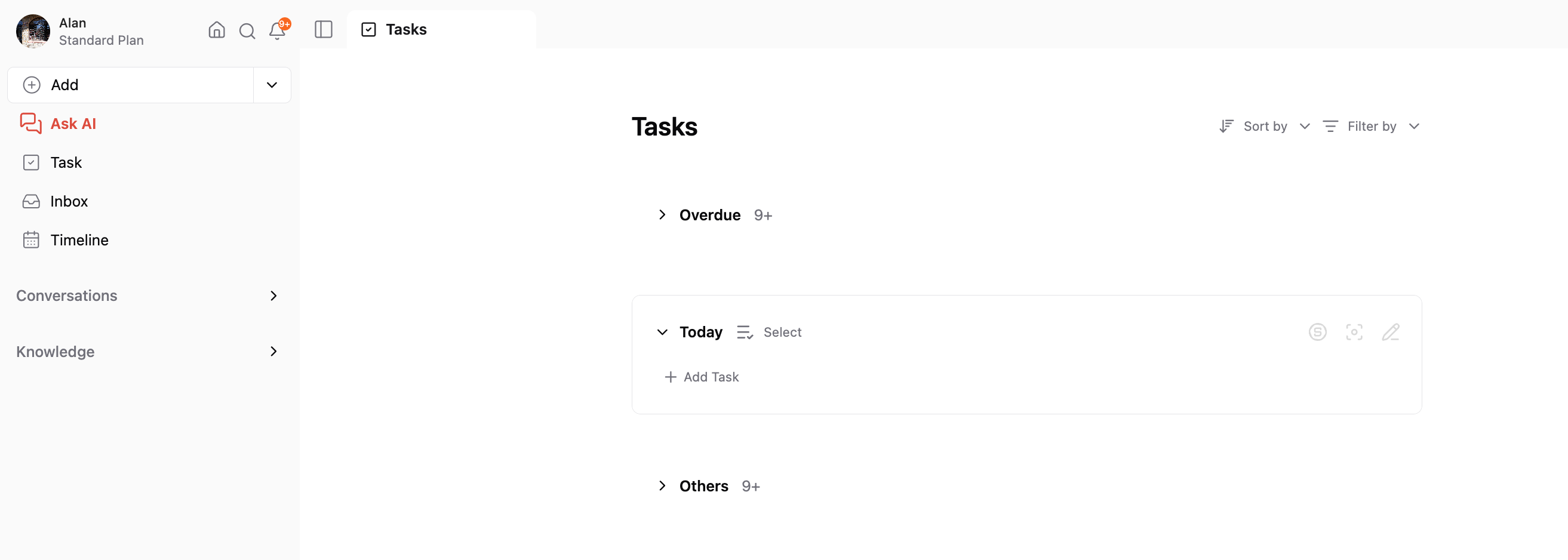
This works well for the task management use case already
Example
If you create a task on August 7, 2025:
The task is saved inside the daily note for August 7
When you open the calendar for that day, you’ll see the task within that day’s note
This gives you a complete picture of what you planned and worked on that day.
Why the Note-Centric Model Matters
Context + Time, Together
Tasks always exist inside a note, which provides surrounding context and a clear date.
Less Tool Switching
Notes, tasks, and the calendar live in one place, reducing the need to jump between apps.
Better Recall and Review
Because content, actions, and time are closely linked, it’s easier to review past days, reflect on decisions, and find information later.
Was this helpful?
Still need help? Share an idea