Reminders
Written By Saner.AI
Last updated 9 months ago
Saner.ai can send you reminders on the Browser (Chrome) and mobile apps (iOS and Android) so you don’t miss important tasks.
How to enable reminders
Open Settings in the Saner.ai app
Turn on Notifications
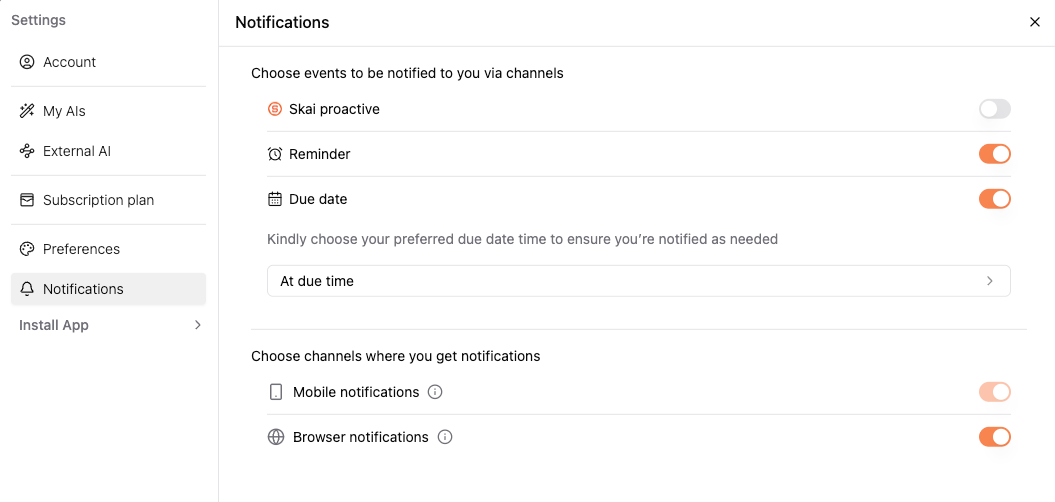
How reminders work by device
Browser (Chrome):
Reminders appear as browser notifications. Make sure notifications are allowed for Saner.ai in your browser settings.
Mobile (iOS & Android):
Reminders are sent as push notifications to your phone.
To receive them:
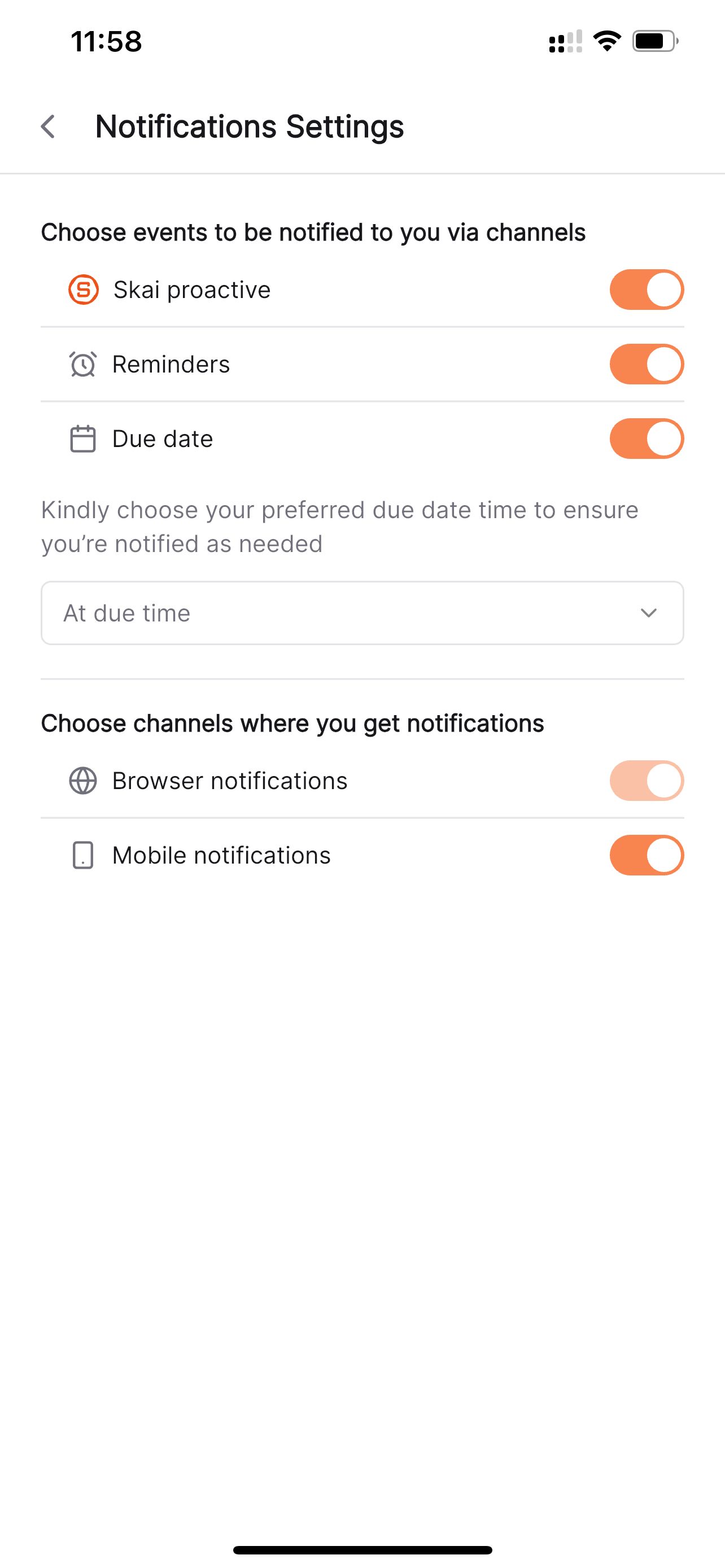
If notifications are turned off at either level, reminders won’t appear.
Was this helpful?
Still need help? Share an idea