Inbox Feature Overview
This explains how the Inbox works as a central hub for all new information, with AI assistance for processing and organizing items.
Written By Saner.AI
Last updated 9 months ago
The Inbox is your hub to process all new information coming into Saner.AI
Anything you create, import, or sync - notes, tasks, documents, emails, and calendar events- appears here so you can sort and refine it with AI help.
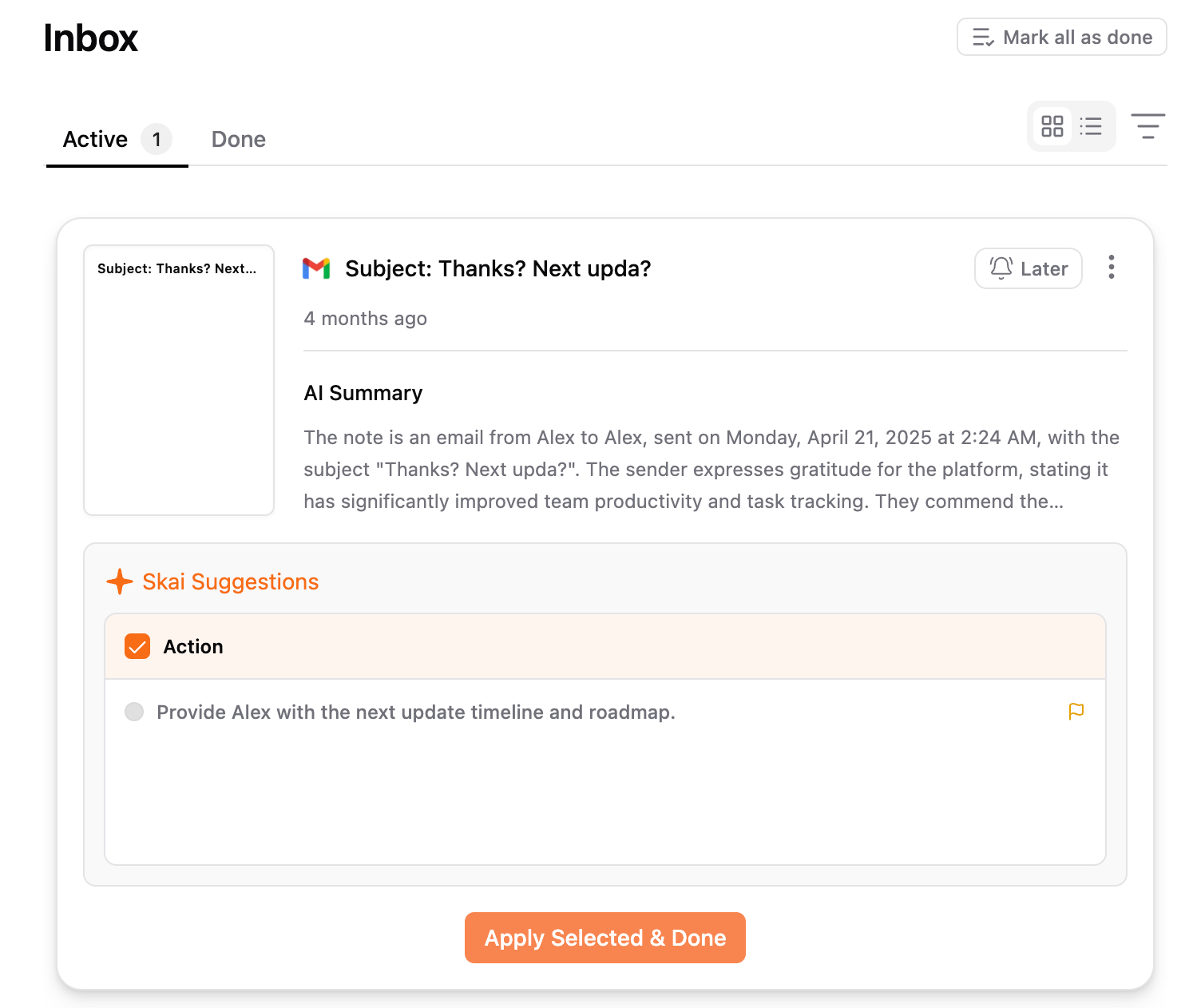
A quick overview
When information enters Saner.AI, it is already stored in your Knowledge section.
The Inbox does not block, delay, or duplicate this.
Instead, the Inbox exists as a decision space - a place for you to quickly decide what to do next with each item.
From the Inbox, you can:
Create to-do items from the content
Move it to a more suitable folder or space
Rename it to be clearer or more useful
Add structure before moving on
Think of the Inbox as an optional lightweight review layer that helps you turn incoming information into something actionable - without slowing you down or adding extra steps.
How to access the Inbox
Click Inbox in the top-left corner of the app.
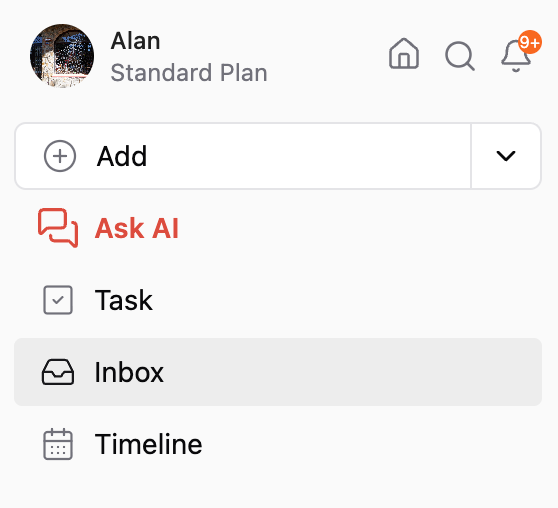
Or you can click this link: https://app.saner.ai/inbox
What happens inside the Inbox
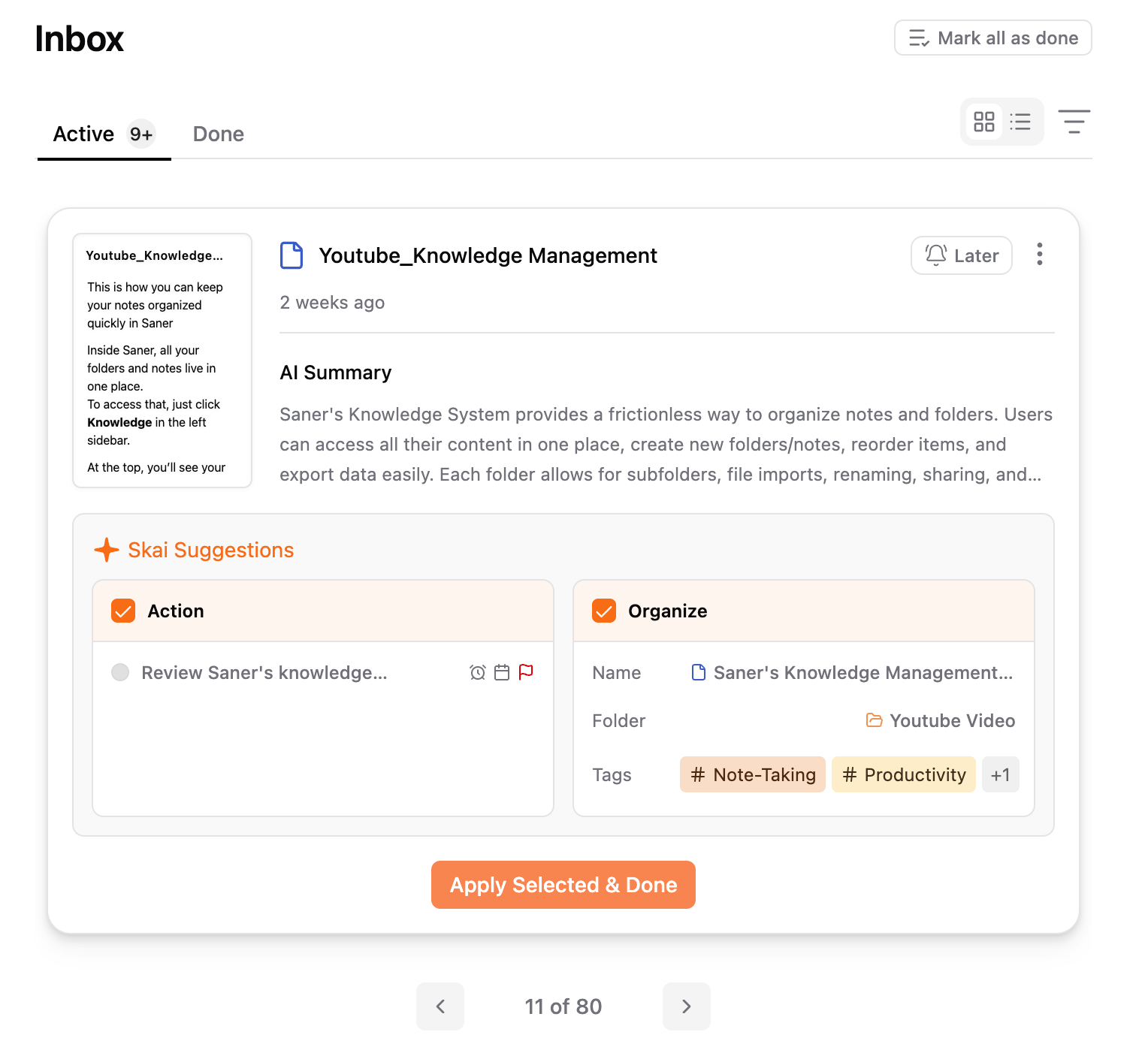
Each item in the Inbox is treated as an intake step, not a final destination. With help from Skai, you get lightweight guidance to decide what to do next.
Skai may suggest:
A clearer, more useful title
A better folder or space to store the item
Relevant tags so it’s easy to find later
Relevant action items
You stay in control - Skai simply reduces the thinking effort.
How to think about the Inbox
Think of the Inbox as an intake funnel:
Capture → Preview → AI-assisted organization → Move to the right place
It’s designed to help you quickly understand:
What is this?
What should I do with it?
Where does it belong?
So you can move through incoming information faster, with less friction and less mental load.
Was this helpful?
Still need help? Share an idea