Connect Slack
This guide explains how to connect your Slack workspace to sync channel messages into Saner.AI for better organization and searchability.
Written By Saner.AI
Last updated 9 months ago
The Connectors feature lets you sync content from external tools—like Slack—directly into Saner.ai, so you can search, review, and ask AI about it later.
How to connect Slack
Open the connector via the drop-down arrow in the Add button on the top left corner of the app
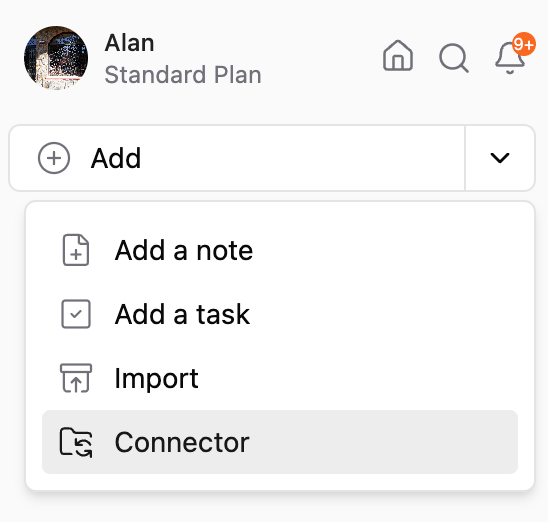
Select Slack
Click Add Source
Once your Slack account is connected, you can control exactly what data is synced by setting up data filters.
Set Up Slack Data Filters
Data filters determine which Slack messages are synced and how they’re organized inside Saner.ai.
Available Fields
What You Can Do After Syncing Slack
Once a Slack connector is active, in the connector settings, you can:
Sync now – Manually pull the latest messages from Slack
Edit name – Rename the connector inside Saner.ai for clarity
Edit settings – Change filters like date range or selected channels
Remove source – Stop syncing this Slack data entirely
Navigating Your Synced Slack Data
From the connector list:
Click the connector name to open the generated note in Saner.ai
Click the Slack source link to jump directly to the original Slack channel
Ask AI questions about your synced Slack messages (for example: summaries, decisions, or action items)
Note: Slack Connector is in Beta, so it may have bugs occasionally
Was this helpful?
Still need help? Share an idea